
Use the Scribeless n8n connector to add recipients to a campaign
Use the Scribeless n8n connector to add recipients to a campaign
Use the Scribeless n8n connector when a workflow should create a Scribeless recipient automatically. Common triggers include form submissions, CRM updates, ecommerce orders, spreadsheet rows, or webhook events.
Before you build the workflow, create the Scribeless campaign first. The n8n connector adds recipients to an existing campaign; it does not create or launch campaigns.
Add the Scribeless node
Create or open an n8n workflow. Add your trigger first, then add a new node and search for Scribeless.
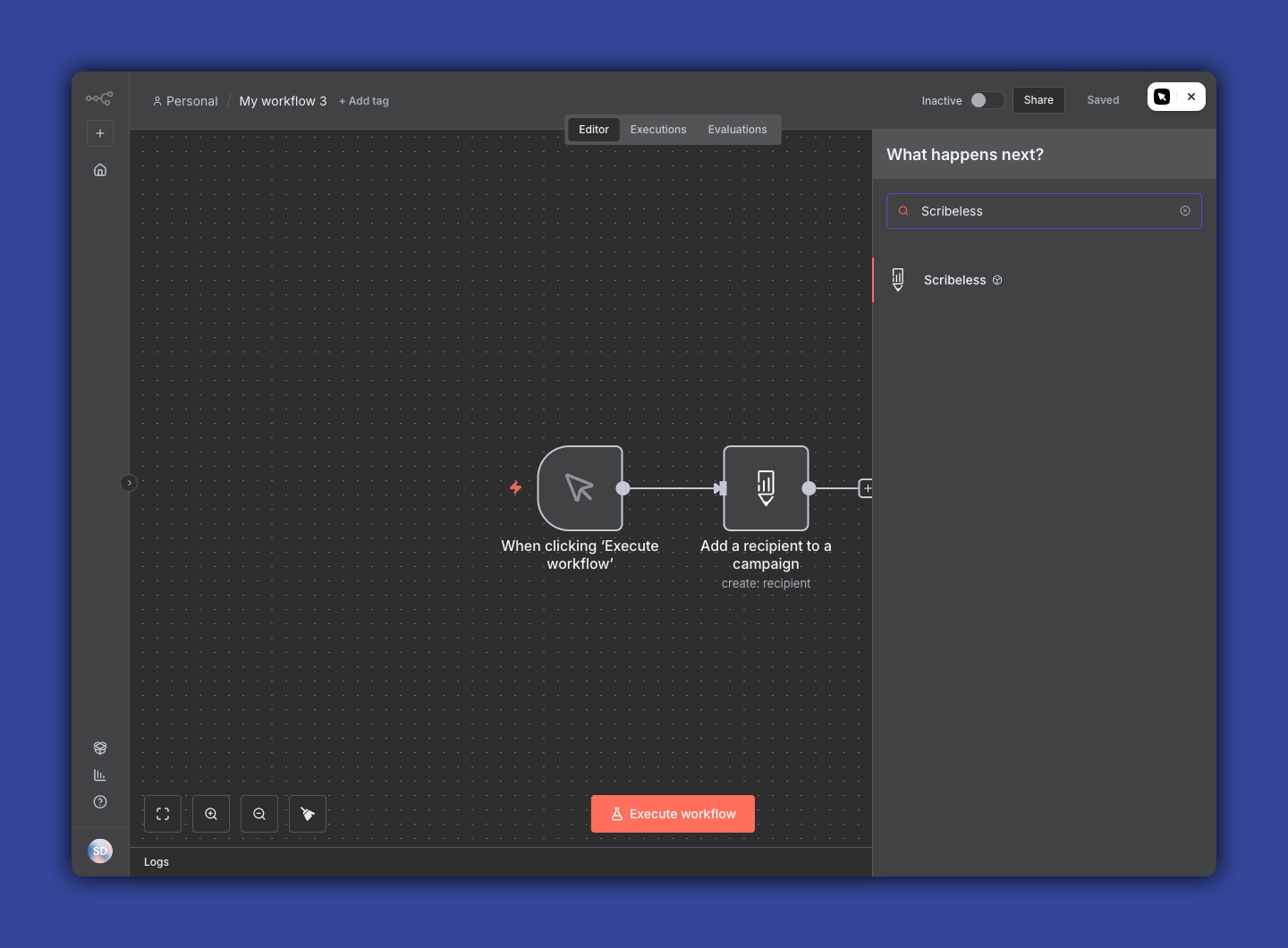
Choose Add a recipient to a campaign.
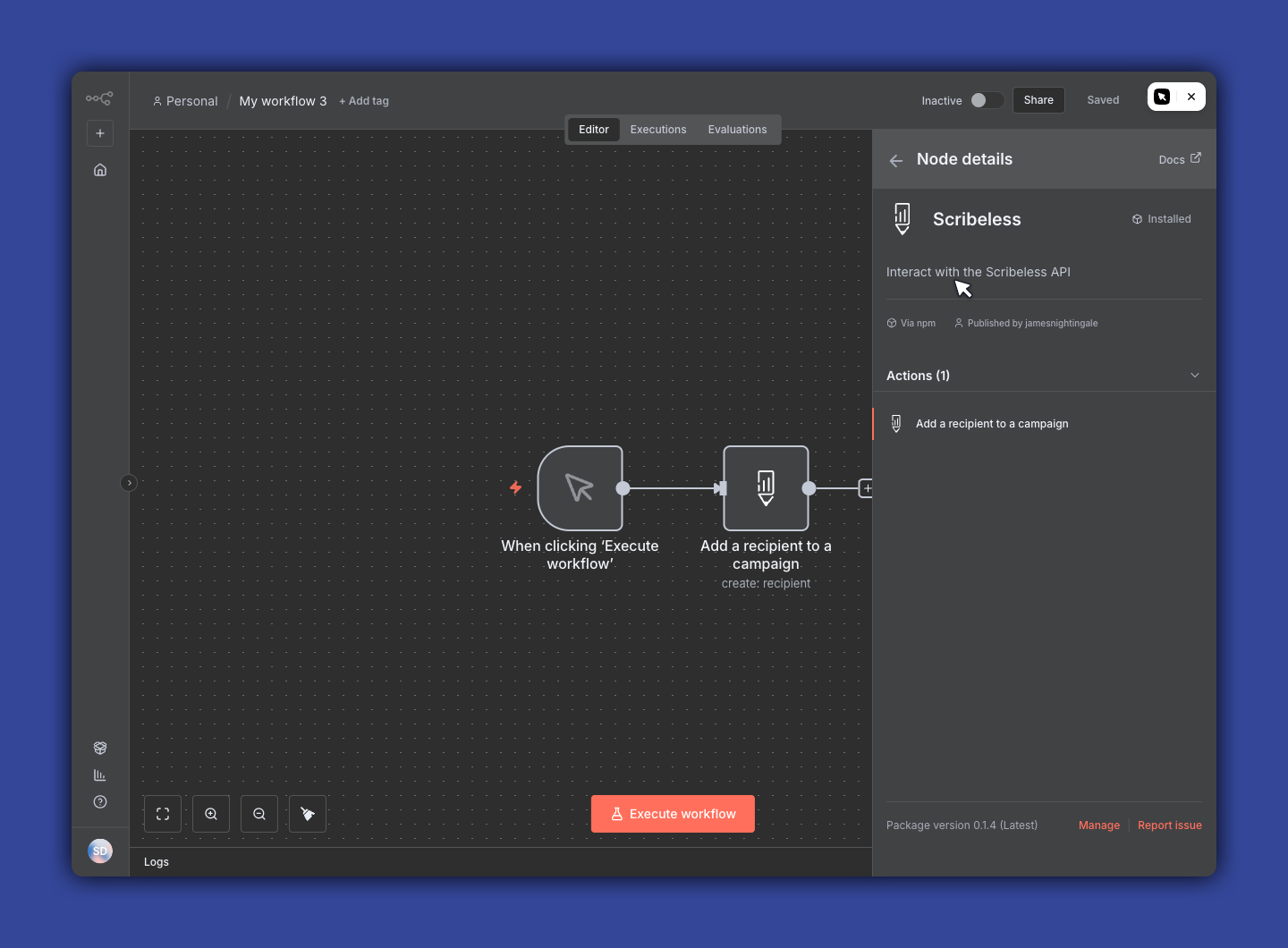
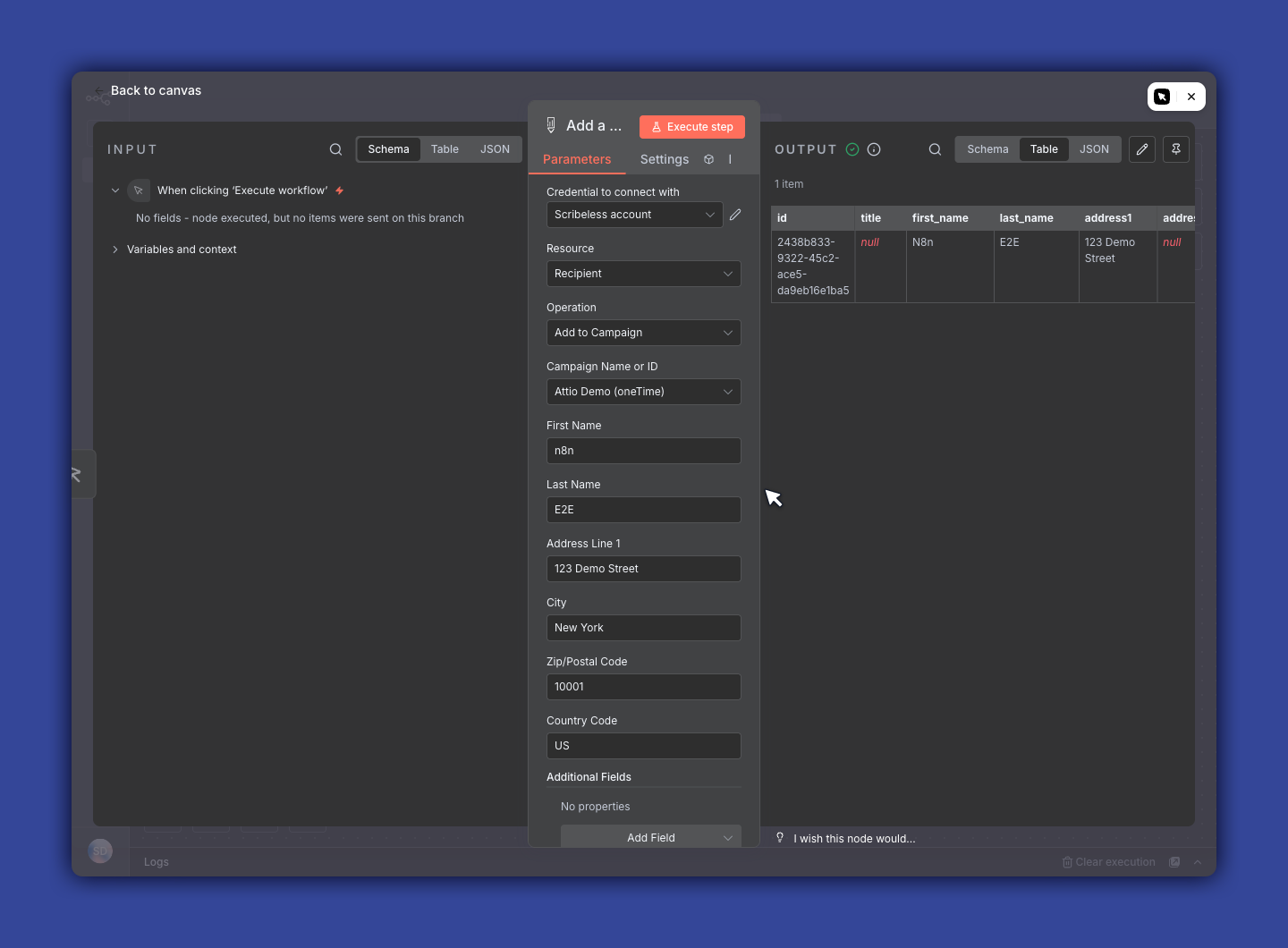
Configure the recipient
Choose your Scribeless credential, then select the campaign from the Campaign Name or ID dropdown. You can also paste a campaign ID directly if you are using an expression or copying a value from another step.
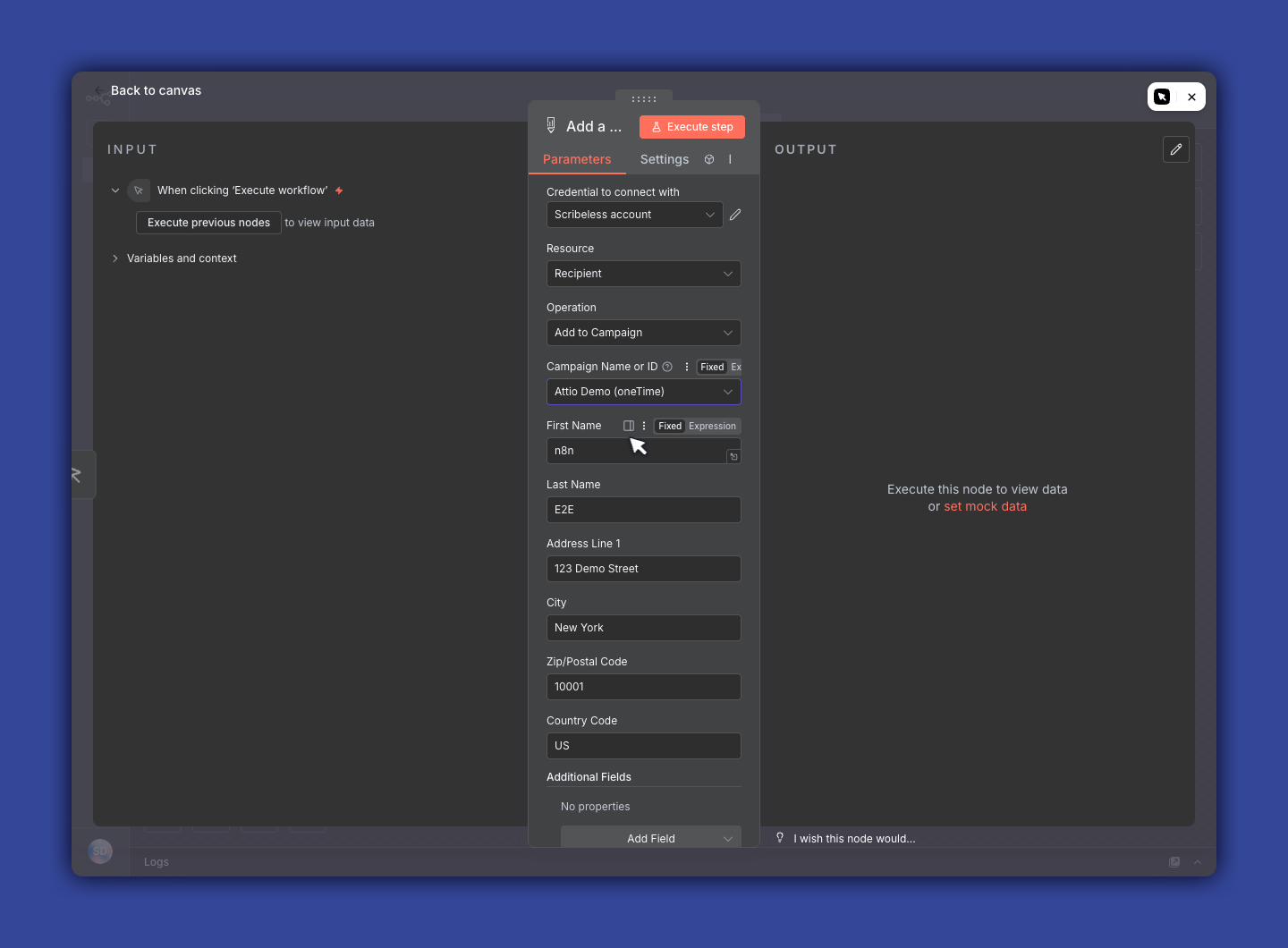
Map the recipient fields from the trigger into the Scribeless node:
- First name
- Last name
- Address line 1
- City
- Zip or postal code
- Country code
- Optional state, company, department, title, and custom fields
Use two-letter country codes, such as US or GB.
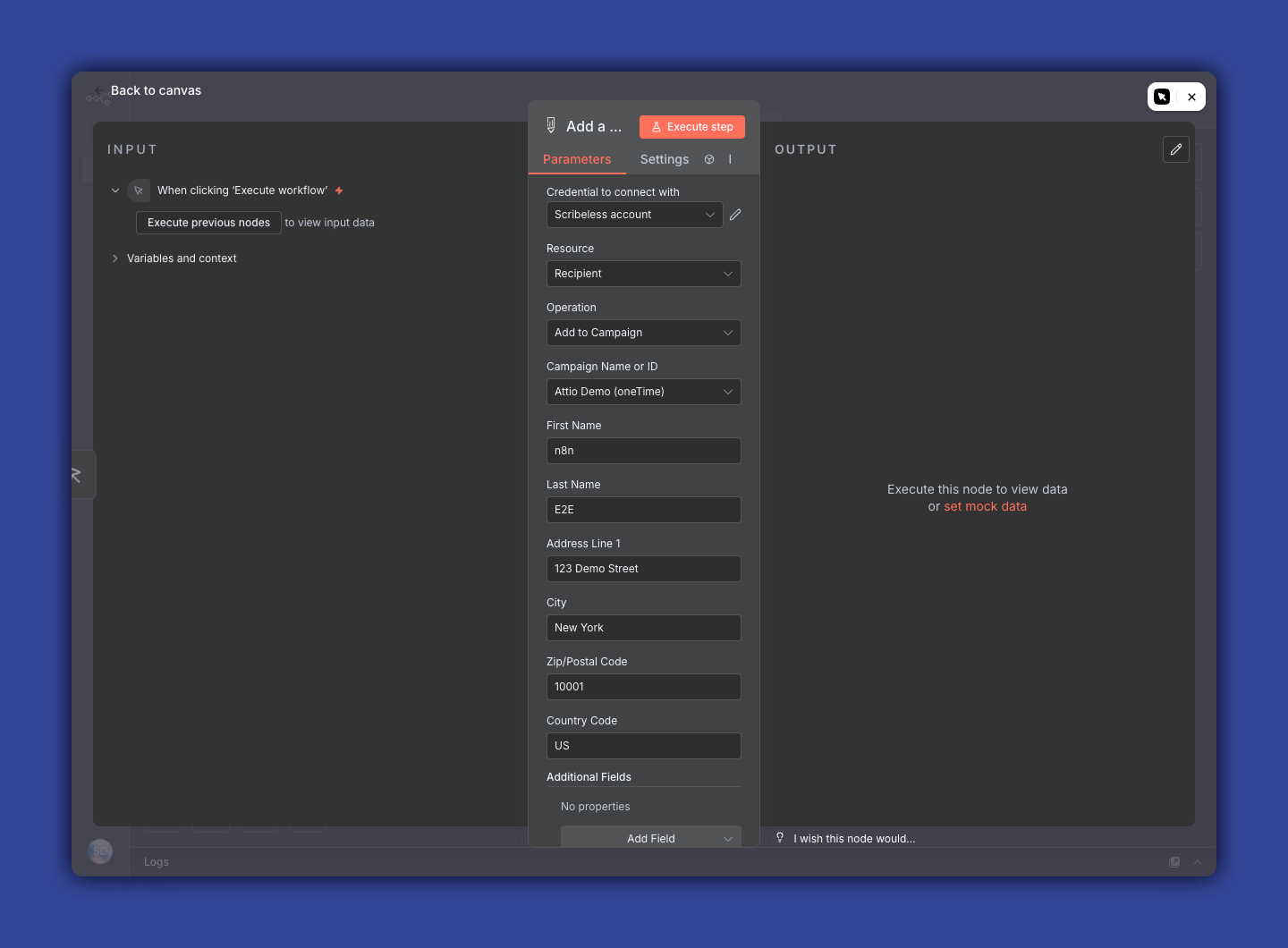
Test the workflow
Select Execute workflow in n8n and run one test item through the workflow.
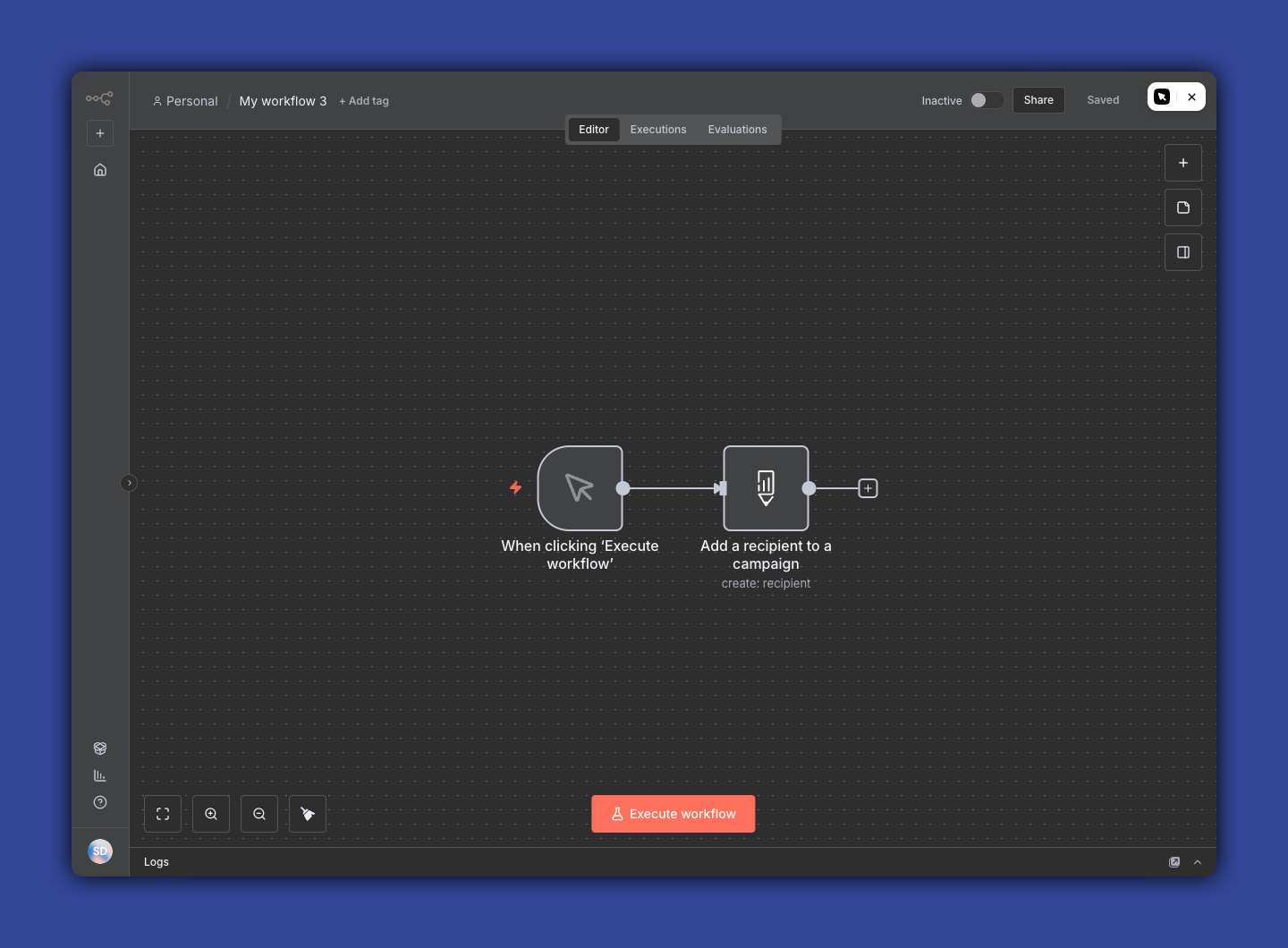
When the Scribeless node succeeds, n8n returns the created recipient record, including the Scribeless recipient ID and status.
Turn on the workflow
After the test recipient looks correct in Scribeless, activate the n8n workflow.
Before using the workflow with a large audience, check:
- The trigger only catches records you want to mail.
- Required address fields are present.
- The campaign ID points to the correct Scribeless campaign.
- Optional custom fields match variables used by the campaign.
Troubleshooting
If no recipient is created, open the n8n execution details and check the Scribeless node error.
If the campaign dropdown is empty, confirm the campaign belongs to the same Scribeless team as the API key. You can also paste a campaign ID directly.
If address data is missing, update the source system or add an n8n filter before the Scribeless node.