
Set up the Scribeless n8n connector
Set up the Scribeless n8n connector
Use the Scribeless n8n connector when you want n8n workflows to add recipients to an existing Scribeless campaign.
Before you start, make sure you have:
- An n8n workspace where community nodes can be installed.
- A Scribeless account with an API key for the team you want n8n to use.
- At least one Scribeless campaign already created.
Install the community node
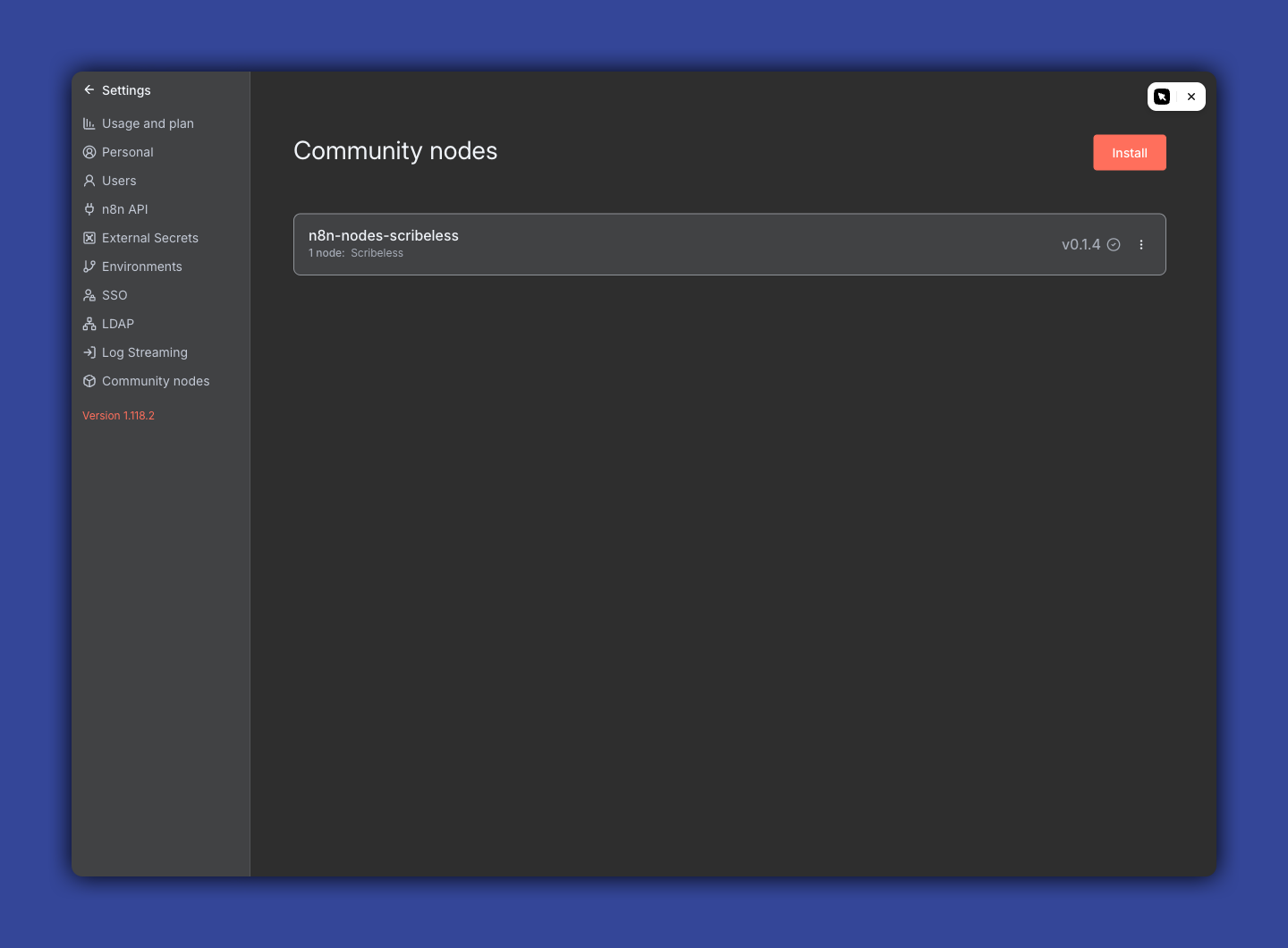
In n8n, open Settings > Community nodes and install the Scribeless package:
n8n-nodes-scribeless
After installation, restart n8n if your hosting setup requires it. The Scribeless node should appear in the workflow node picker.
Create a Scribeless credential
In n8n, open Credentials, create a new credential, and search for Scribeless API. Paste your Scribeless API key into the API Key field, then save the credential.
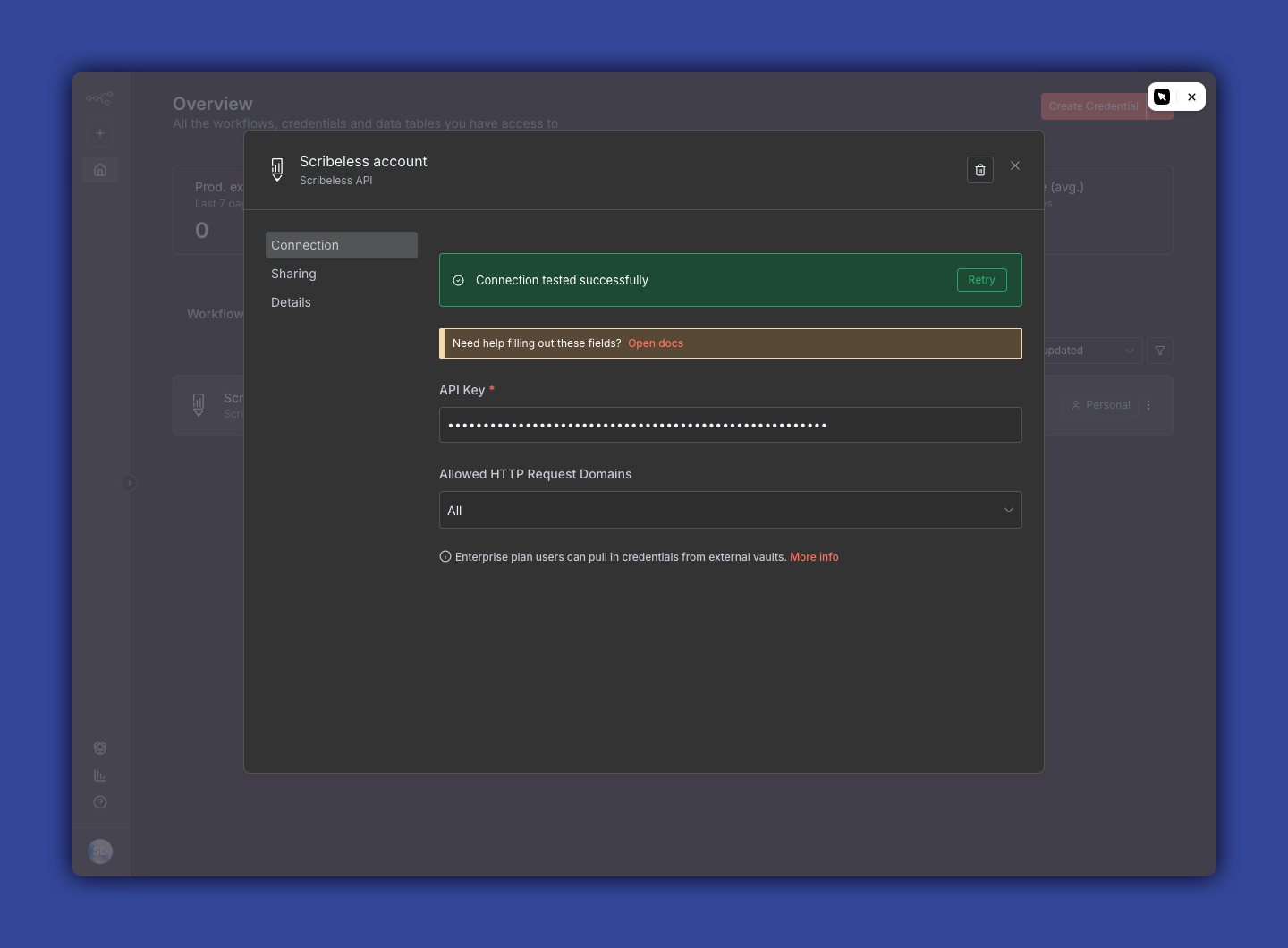
n8n tests the connection when the credential is saved. A successful connection means n8n can authenticate with the Scribeless API.
Troubleshooting
If the credential test fails, create or copy a fresh Scribeless API key and try again.
If the Scribeless node does not appear in the workflow builder, check that the community node package is installed in the same n8n instance where you are building the workflow.
If you manage multiple Scribeless teams, confirm the API key belongs to the team that owns the campaign you want to use.